
Some links point to the service guide, which is currently available in Korean only.
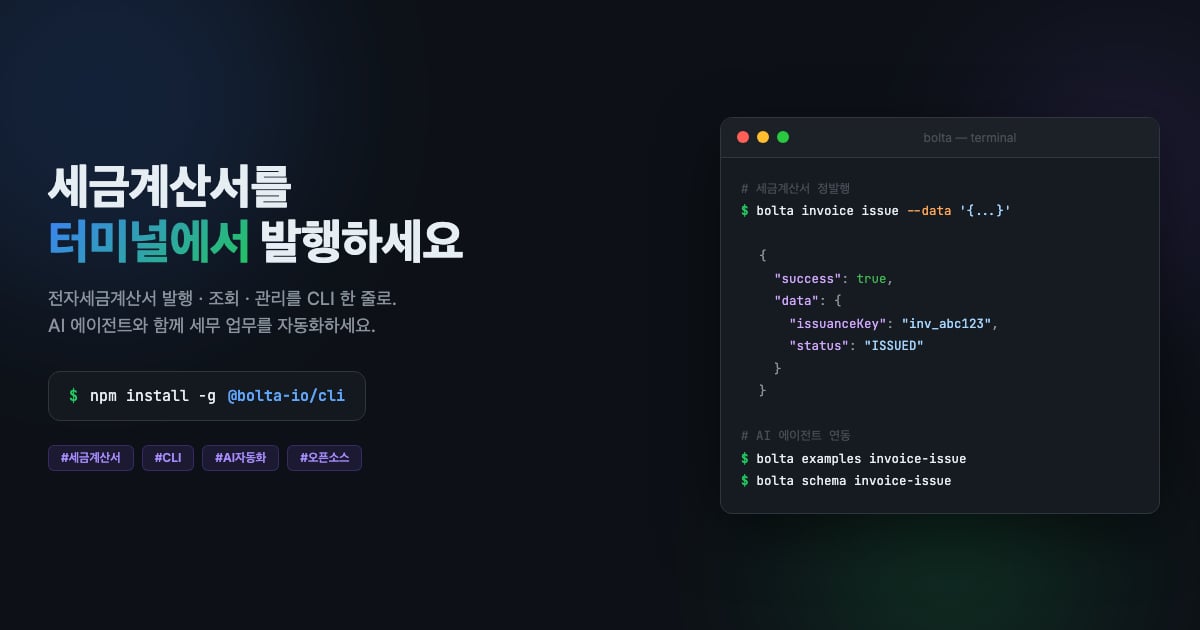
Installation
Node.js 20.0.0 or later is required.
Authentication setup
You need an API key to use the Bolta API. Configure it via environment variables or a CLI command.Authentication resolution priority: CLI flag (
--api-key) > environment variable (BOLTA_API_KEY) > config file (~/.bolta/config.json)Commands
Issuer management
Theissuer command registers and retrieves issuers used for tax invoice issuance.
Certificate management
Tax invoice issuance / retrieval
Amendment
The CLI first validates standard issuance, reverse issuance requests, and change-in-supply-cost amendment inputs using the same rules as the API. You can check the latest schema with
bolta schema invoice-issue.Configuration
Input methods
Commands that require data support three input methods.Global options
Output format
All responses are printed as JSON to stdout.Error codes
AI guide
This CLI provides the following guides so that AI agents can use it easily.npm
npm package page